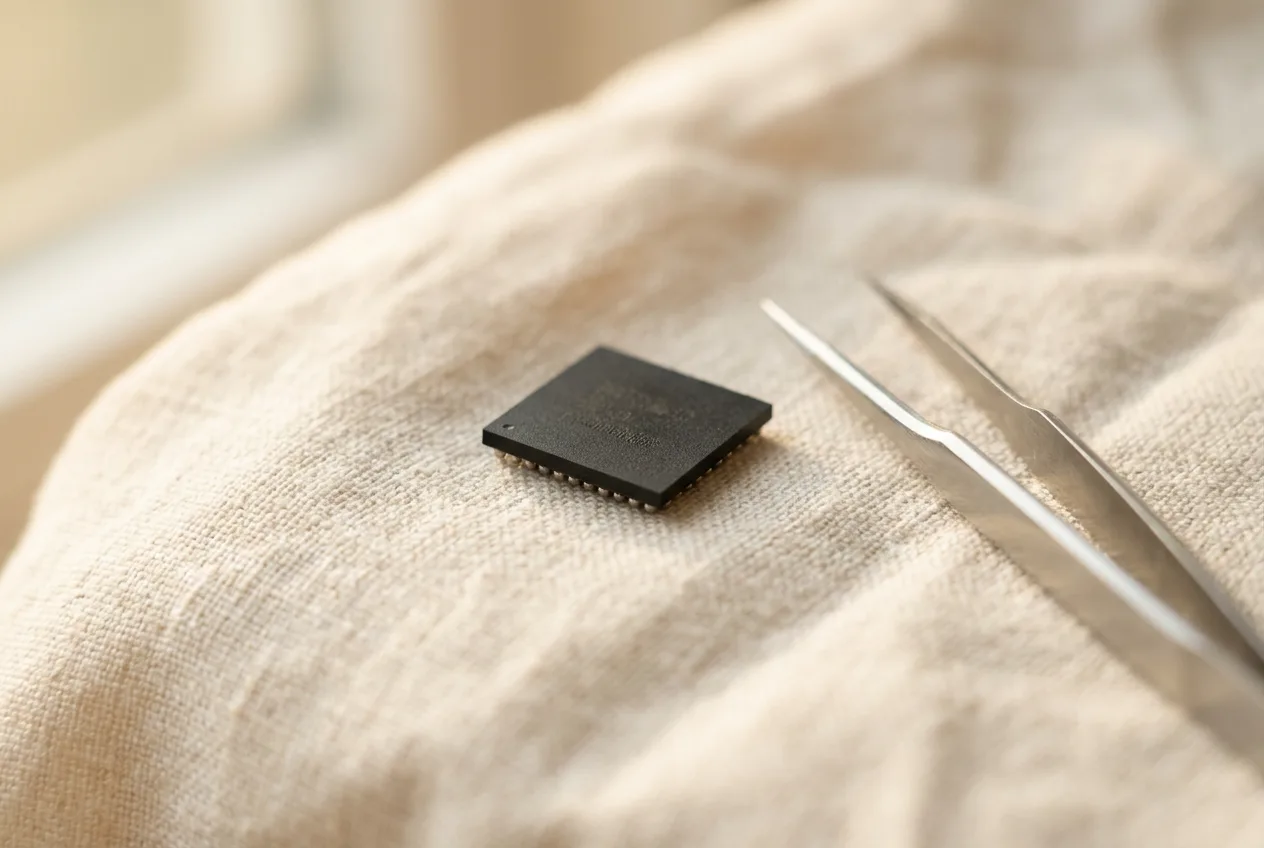
The lines on the chip
Most memory chips carry a manufacturer name or logo, a part number, a date code and a lot or trace code. Some add the country of assembly. The part number is the dense one: depending on the manufacturer it encodes the product family, the density, the organization of the memory, the speed grade and the package type.
The exact scheme differs from one manufacturer to the next, and manufacturers revise their schemes over time. That is why a part number is only useful next to the reference that explains it. The date code is usually a year and week, and the lot code traces the chip back to a production batch.
Why the marking is hard to read
The characters are laser-etched into black epoxy, so the contrast is low to begin with. Under a lamp the surface glares. The characters are small, and heat and handling during desoldering can fade them further. Zero and the letter O, one and the letter I, eight and the letter B all look alike at that size.
There is a second difficulty. A marking can be worn, re-marked or counterfeit, so reading it is identification, not verification. The marking tells you what the chip claims to be. Whether the claim is true is a separate question.
From photo to reference match
BoardVision starts with a photo or a live camera view. You inspect the visible marking, the app compares it with reference data and shows the match, and you review that match before choosing a sorting group. The original image and the matched entry stay side by side, so you can see what was compared.
The app is in development for iOS and Android. An internal macOS prototype is where we test the workflow today. A match is a clue to review, not a verdict, and the interface is built to keep it that way.
What a marking cannot tell you
It cannot tell you whether the chip works. It cannot tell you the metal content or yield. Identification, functional testing and material recovery are three different questions that need three different tools. Keeping them apart is part of describing the product honestly.
Photographing a marking well
Use diffuse light rather than a single bright lamp, and tilt the chip a few degrees until the glare leaves the marking area. Fill the frame with the chip. Keep the camera steady, and wipe the surface gently before you shoot. A clear image is the single biggest improvement you can make before any software is involved.
Common questions
How do I find the manufacturer of a memory chip?
From the maker’s name or logo in the marking. The part number then places the chip in a product family whose scheme the manufacturer defines.
Does the part number show the capacity?
Often it encodes the density, but every scheme differs and some chips carry only a short code. Without the matching reference, the capacity stays open. More on this: Why Memory Chips Don’t Show Their Capacity.
When is the marking not enough?
It cannot tell you whether the chip works, cannot give its metal content, and can mislead on chips that were sanded and remarked. Reading is identification, not verification.